Showing a Balloon
BalloonState is the only thing that controls visibility. It knows its own anchor, so unlike
1.x you never pass a View to a show call.
Placement


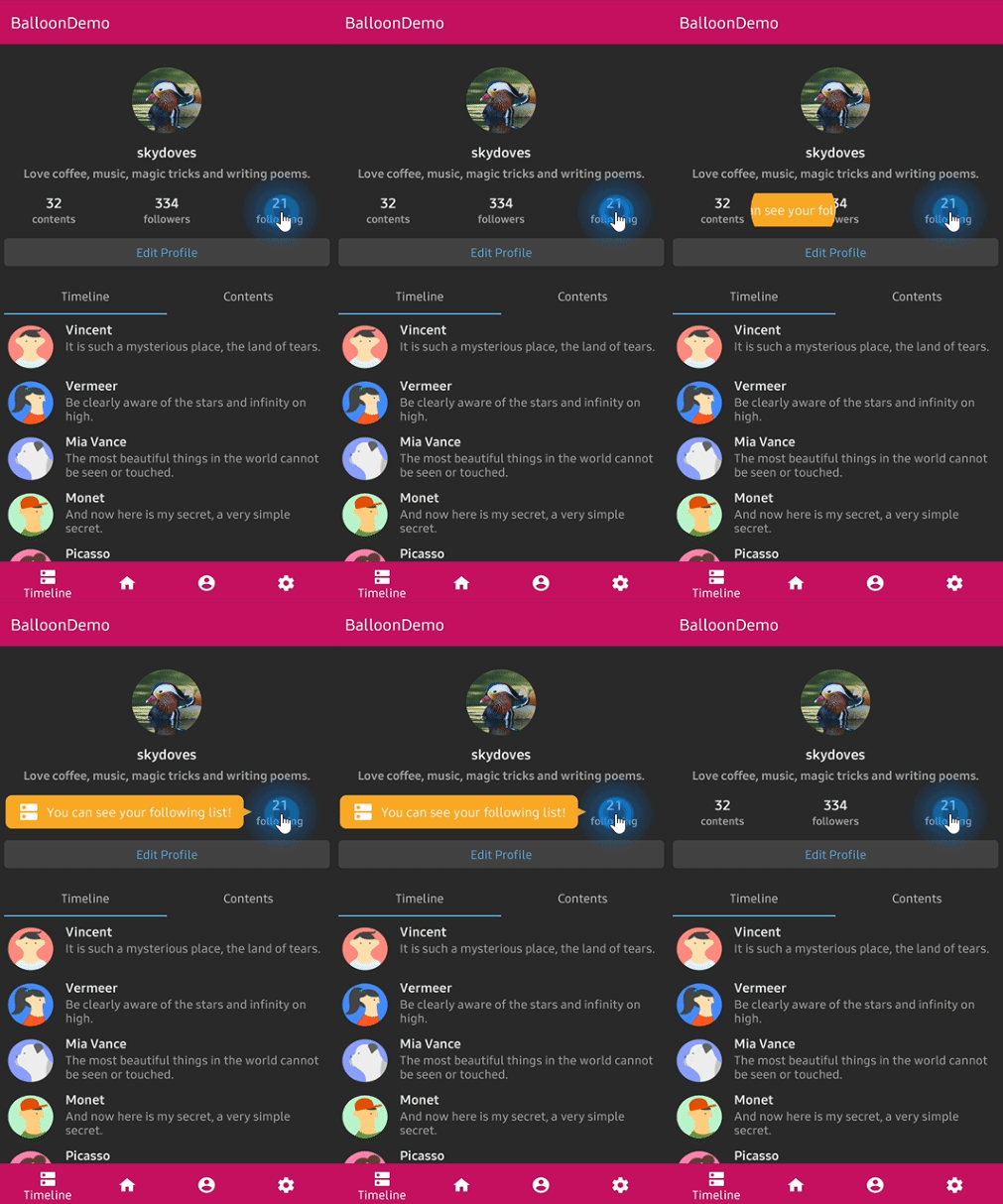
balloonState.showAlignTop()
balloonState.showAlignBottom()
balloonState.showAlignStart()
balloonState.showAlignEnd()
balloonState.showAsDropDown()
balloonState.showAtCenter(BalloonCenterAlign.TOP)
balloonState.show(BalloonAlign.BOTTOM)
| Call | Where the balloon lands |
|---|---|
showAlignTop() |
above the anchor, horizontally centered on it |
showAlignBottom() |
below the anchor, horizontally centered on it |
showAlignStart() |
leading side of the anchor, vertically centered on it |
showAlignEnd() |
trailing side of the anchor, vertically centered on it |
showAsDropDown() |
below the anchor with their leading edges aligned |
showAtCenter(align) |
against the anchor's center point on the given side |
show(BalloonAlign.CENTER) |
dead center on top of the anchor, for a plain overlay |
START and END resolve against LocalLayoutDirection, so a right to left layout mirrors
automatically.
Offsets
Every show call takes xOffset and yOffset in Dp:
balloonState.showAlignBottom(xOffset = 8.dp, yOffset = 4.dp)
balloonState.show(BalloonAlign.TOP, xOffset = (-12).dp, yOffset = (-4).dp)
Flipping and clamping
If the requested side has no room and the opposite side does, the balloon moves to the opposite
side and the arrow follows it so it keeps pointing at the anchor. The offset you passed is part
of that decision, so a balloon pushed down by yOffset flips on the room it will actually need.
A final clamp keeps the balloon inside the window. If you pinned the arrow with
setArrowOrientationRules(ArrowOrientationRules.ALIGN_FIXED), the balloon still moves but the
arrow stays where you put it.
Dismissing
balloonState.dismiss()
balloonState.toggle()
balloonState.dismissWithDelay(scope, delayMillis = 1_500L)
dismissWithDelay runs on the CoroutineScope you hand it, so it is cancelled with that scope.
It returns false and schedules nothing when the balloon is not showing.
A balloon also dismisses itself when:
- its anchor leaves the composition, for example a
LazyColumnitem scrolling out of the pool - its anchor goes entirely out of view: off the window, or clipped away by a scrolling
container it sits inside, such as a
ColumnwithModifier.verticalScroll. An anchor that has not appeared yet does not count — a balloon shown while its anchor is still animating in waits for it. setAutoDismissDurationelapses- the user taps outside it, presses back or Escape, or taps the body, depending on the style
setAutoDismissDuration(2_000L)  // 0L disables it
setDismissWhenTouchOutside(true)
setDismissWhenBackPressed(true)
setDismissWhenClicked(true)
setDismissWhenShowAgain(true)  // showing an already visible balloon closes it
setDismissWhenTouchMargin(true)  // a tap in the margin band closes it too
setDismissWhenTouchMargin covers a gap the framework cannot see. The margin, and the space
the balloon reserves for its arrow and its elevation inset, belong to the balloon's own popup,
so a tap there is not an outside click. On by default, as in 1.x, and it only acts when
setDismissWhenTouchOutside is on too.
Moving a visible balloon
update changes the placement without replaying the enter animation or restarting the auto
dismiss timer. It does nothing when the balloon is hidden.
balloonState.update(BalloonAlign.TOP, xOffset = 4.dp)
Observing visibility
isVisible is snapshot state, so reading it in composition is enough:
val rotation by animateFloatAsState(if (balloonState.isVisible) 180f else 0f)
Icon(modifier = Modifier.rotate(rotation), imageVector = Icons.Default.ExpandMore, contentDescription = null)
isShowing is an alias, kept for familiarity with 1.x.
Sequences with coroutines
Every show has a suspend twin that shows the balloon and returns once it is dismissed. That
turns a chain of tooltips into straight line code.
LaunchedEffect(Unit) {
    profileBalloon.awaitAlignBottom()
    searchBalloon.awaitAlignTop()
    settingsBalloon.awaitAtCenter(BalloonCenterAlign.END)
}
Available: awaitAlignTop, awaitAlignBottom, awaitAlignStart, awaitAlignEnd,
awaitAsDropDown, awaitAtCenter, awaitAlign, and bare await() which suspends until an
already visible balloon closes.
Auto showing on first composition
LaunchedEffect(Unit) {
    balloonState.showAlignBottom()
}
The balloon waits for the anchor to be measured before it places itself, so this is safe even on the very first frame.
Listeners
balloonState.onBalloonClick = { /* the body was tapped */ }
balloonState.onOverlayClick = { /* the scrim was tapped */ }
balloonState.onDismiss = { /* the balloon closed */ }
See Listeners for the details.