Animation
Balloon 1.x (View)
This page documents Balloon 1.7.6, the last release of the View based library.
For the current version see the Balloon 2.0.0 documentation and the
Migration guide.
Balloon supports various animations for showing, dismissing, and highlighting tooltips.
Balloon Animation
These animations play when the Balloon is shown and dismissed.
Balloon.Builder(context)
    .setBalloonAnimation(BalloonAnimation.ELASTIC)
Available Animations
BalloonAnimation.NONE  // no animation
BalloonAnimation.FADE  // fade in/out
BalloonAnimation.OVERSHOOT  // overshoot effect
BalloonAnimation.ELASTIC  // elastic bounce
BalloonAnimation.CIRCULAR  // circular reveal
Preview
| FADE | OVERSHOOT | ELASTIC | CIRCULAR |
|---|---|---|---|
 |
 |
 |
 |
Highlight Animation
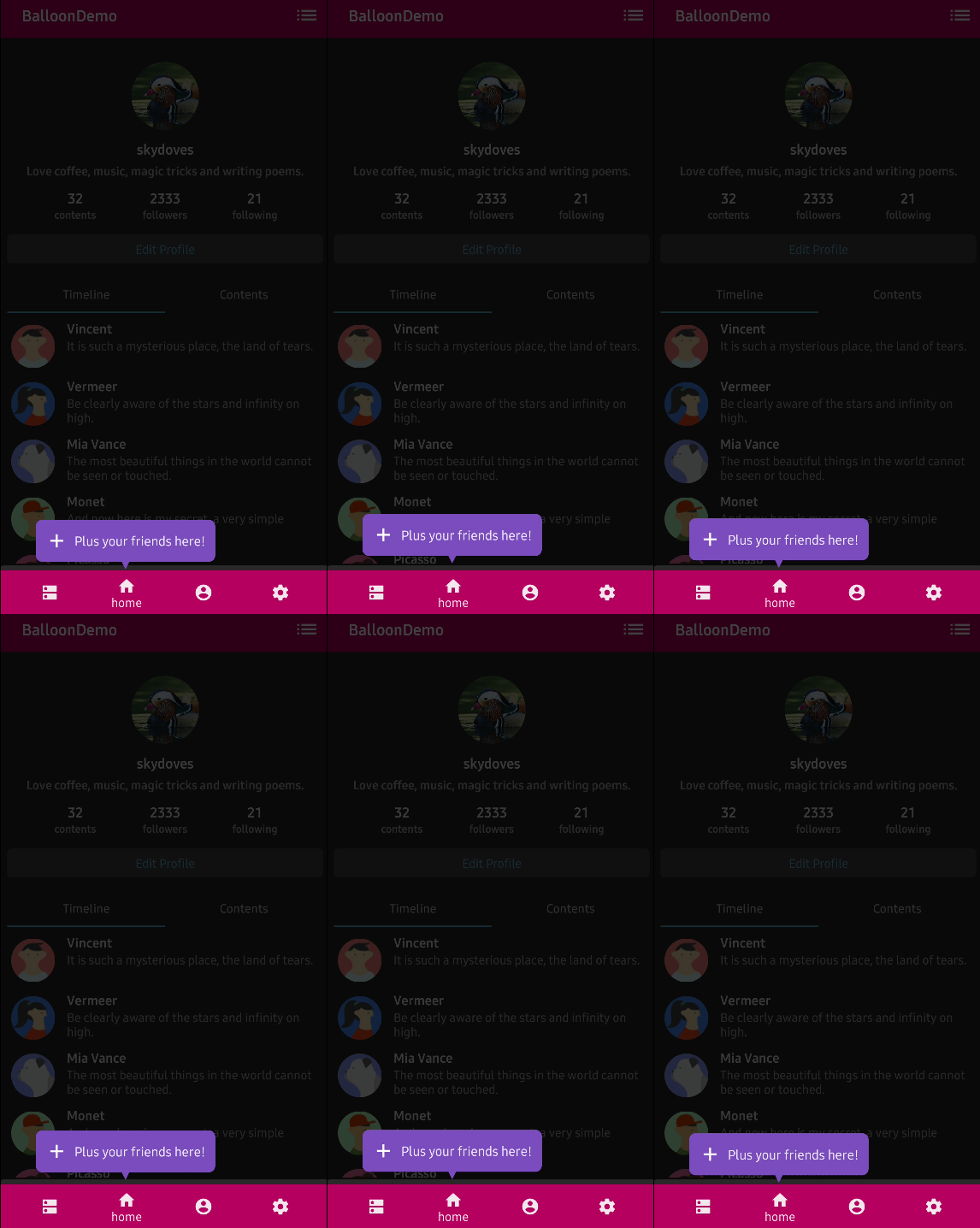
These are repeating animations that play while the Balloon is displayed, drawing attention to the tooltip.
Balloon.Builder(context)
    .setBalloonHighlightAnimation(BalloonHighlightAnimation.SHAKE)
Available Highlight Animations
BalloonHighlightAnimation.NONE  // no highlight animation
BalloonHighlightAnimation.HEARTBEAT  // pulsing effect
BalloonHighlightAnimation.SHAKE  // shaking effect
BalloonHighlightAnimation.BREATH  // breathing effect
BalloonHighlightAnimation.ROTATE  // rotation effect
Preview
| HEARTBEAT | SHAKE | BREATH | ROTATE |
|---|---|---|---|
 |
 |
 |
 |
Rotate Animation Configuration
Customize the rotate animation with additional options:
Balloon.Builder(context)
    .setBalloonHighlightAnimation(BalloonHighlightAnimation.ROTATE)
    .setBalloonRotationAnimation(
        BalloonRotateAnimation.Builder()
            .setLoops(2)
            .setSpeeds(2500)
            .setTurns(INFINITE)
            .build()
    )
Overlay Animation
Control the animation of the overlay:
Balloon.Builder(context)
    .setBalloonOverlayAnimation(BalloonOverlayAnimation.FADE)
Available Overlay Animations
BalloonOverlayAnimation.NONE  // no overlay animation
BalloonOverlayAnimation.FADE  // fade in/out (default)
Animation Duration
Customize animation durations for circular reveal animation:
Balloon.Builder(context)
    .setCircularDuration(500L)  // duration in milliseconds
Custom Animations
You can use custom animation resources:
Balloon.Builder(context)
    .setBalloonAnimationStyle(R.style.CustomBalloonAnimation)
Define your custom animation style in styles.xml:
<style name="CustomBalloonAnimation" parent="android:Animation">
    <item name="android:windowEnterAnimation">@anim/custom_enter</item>
    <item name="android:windowExitAnimation">@anim/custom_exit</item>
</style>