Desktop
Install Snitcher before your application { } block, and place SnitcherTraceWindow next to your own window:
import com.skydoves.snitcher.Snitcher
import com.skydoves.snitcher.install
import com.skydoves.snitcher.ui.SnitcherTraceWindow

fun main() {
  Snitcher.install()

  application {
    Window(onCloseRequest = ::exitApplication) {
      App()
    }

    SnitcherTraceWindow()
  }
}
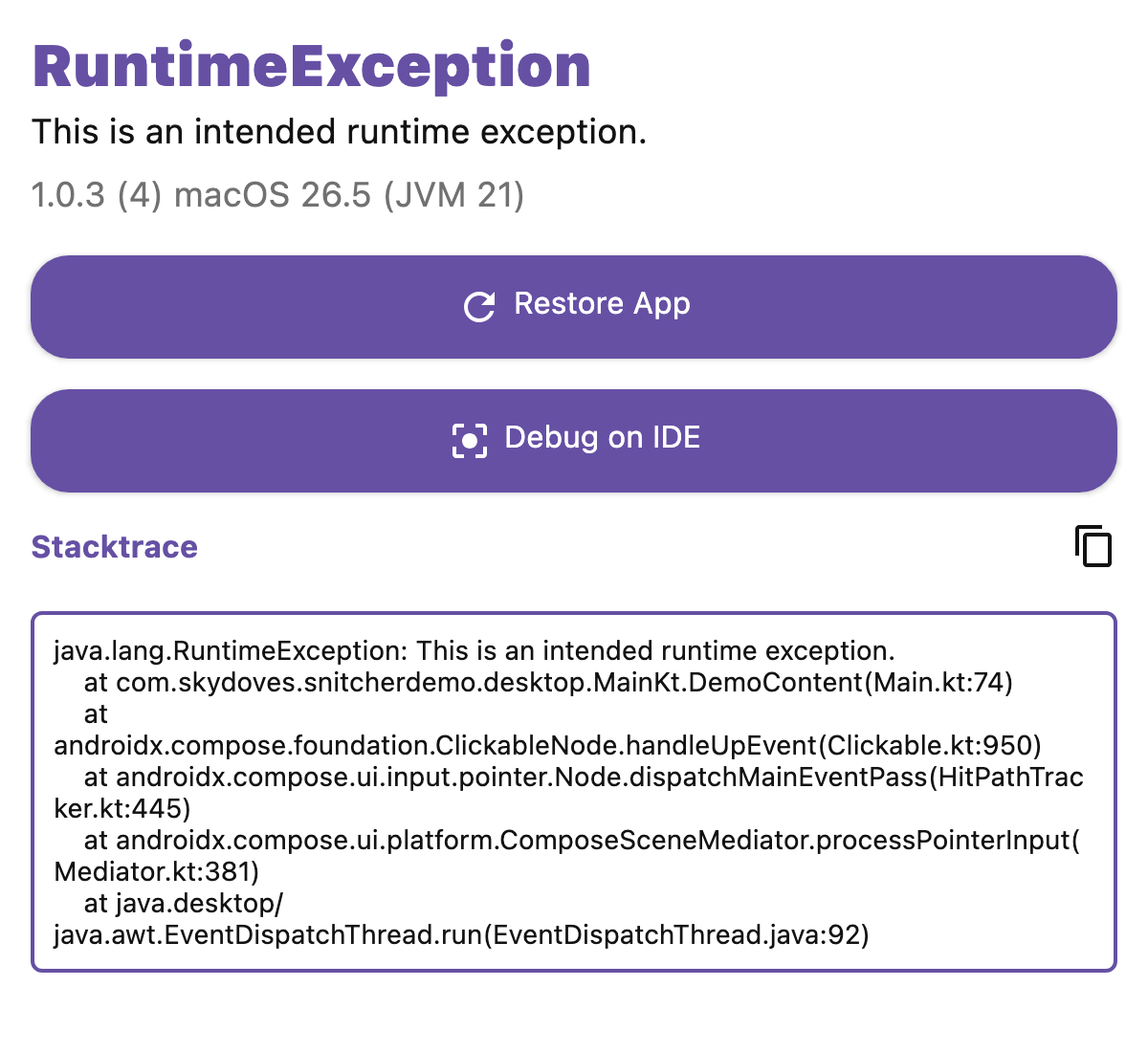
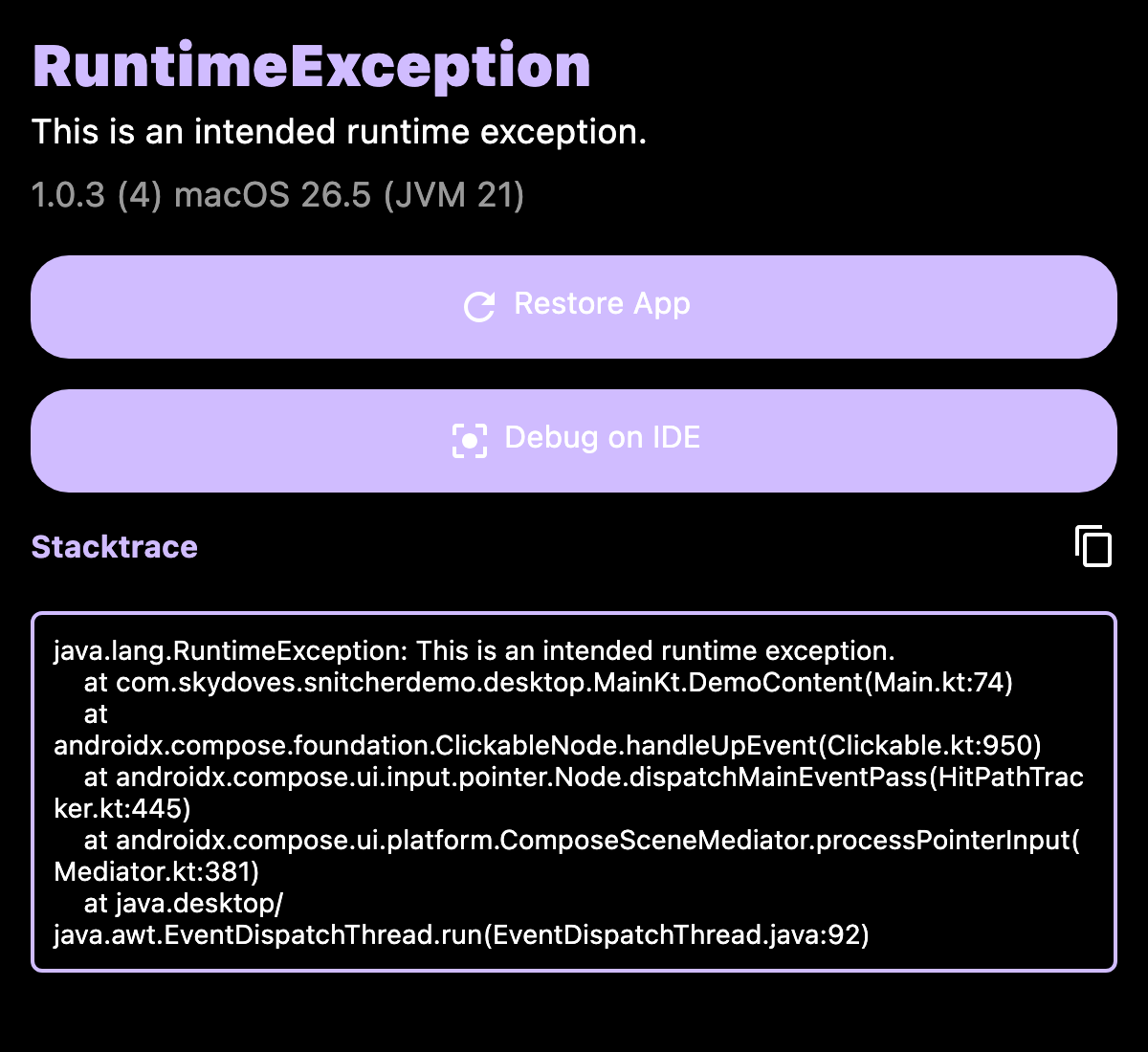
Snitcher becomes the default uncaught exception handler of the JVM and delegates to the handler that was installed before it, so a logging handler keeps working.
Unlike Android, the desktop JVM keeps running after an uncaught exception on a background thread or on the AWT event thread. The crash is published through Snitcher.exception right away, the window opens, and closing it clears the crash.
Where the crash is stored
~/.snitcher/snitcher.json by default, which you can change:
Snitcher.install(storageDirectory = "/path/that/your/app/owns")
Throwing the exception again
The trace window shows a Debug on IDE button, which throws the captured exception again so that an attached debugger catches it. You can do the same yourself:
Snitcher.debug(exception)