Animation
Balloon supports various animations for showing, dismissing, and highlighting tooltips.
Balloon Animation
These animations play when the Balloon is shown and dismissed.
Balloon.Builder(context)
    .setBalloonAnimation(BalloonAnimation.ELASTIC)
Available Animations
BalloonAnimation.NONE // no animation
BalloonAnimation.FADE // fade in/out
BalloonAnimation.OVERSHOOT // overshoot effect
BalloonAnimation.ELASTIC // elastic bounce
BalloonAnimation.CIRCULAR // circular reveal
Preview
| FADE | OVERSHOOT | ELASTIC | CIRCULAR |
|---|---|---|---|
 |
 |
 |
 |
Highlight Animation
These are repeating animations that play while the Balloon is displayed, drawing attention to the tooltip.
Balloon.Builder(context)
    .setBalloonHighlightAnimation(BalloonHighlightAnimation.SHAKE)
Available Highlight Animations
BalloonHighlightAnimation.NONE // no highlight animation
BalloonHighlightAnimation.HEARTBEAT // pulsing effect
BalloonHighlightAnimation.SHAKE // shaking effect
BalloonHighlightAnimation.BREATH // breathing effect
BalloonHighlightAnimation.ROTATE // rotation effect
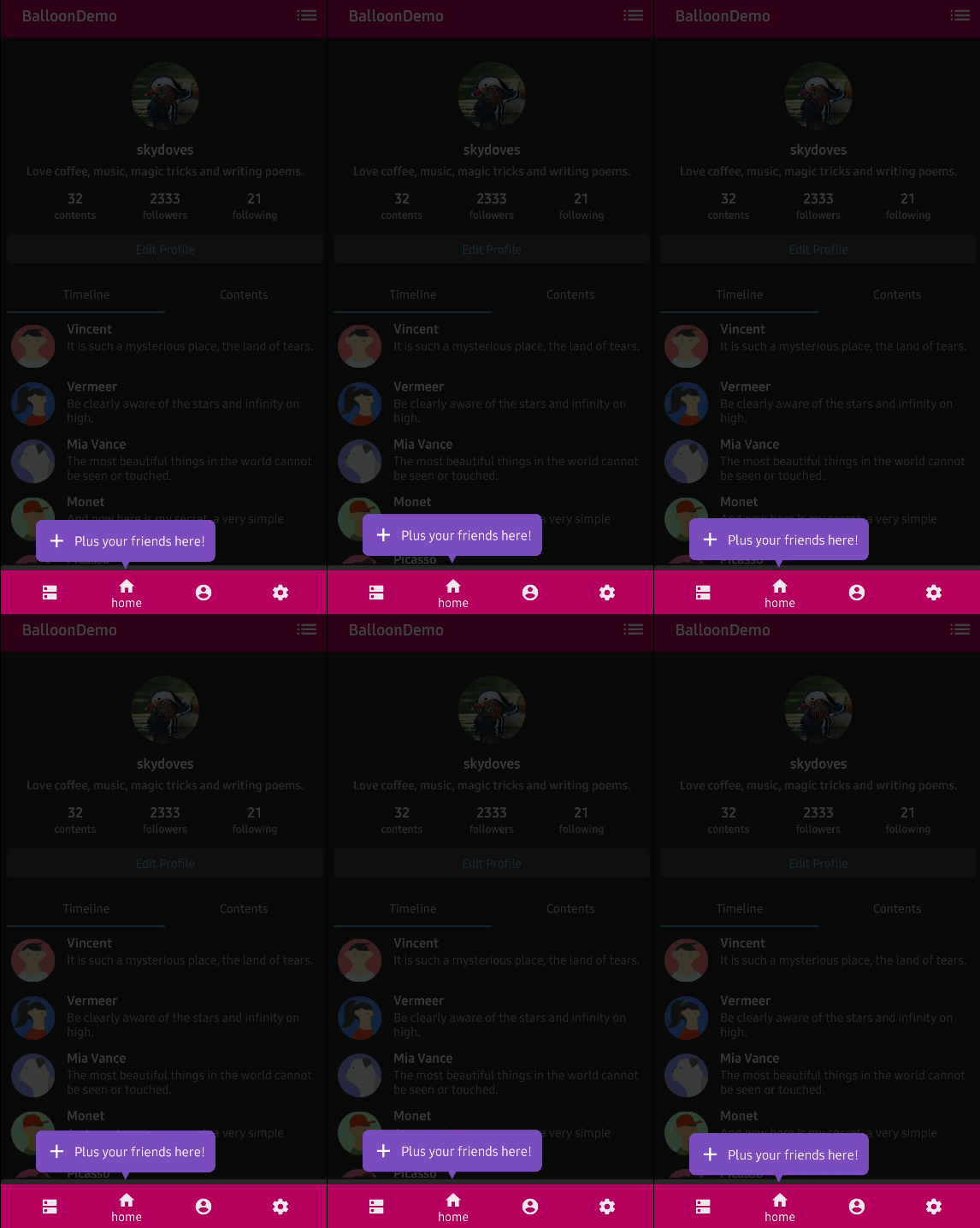
Preview
| HEARTBEAT | SHAKE | BREATH | ROTATE |
|---|---|---|---|
 |
 |
 |
 |
Rotate Animation Configuration
Customize the rotate animation with additional options:
Balloon.Builder(context)
    .setBalloonHighlightAnimation(BalloonHighlightAnimation.ROTATE)
    .setBalloonRotationAnimation(
        BalloonRotateAnimation.Builder()
            .setLoops(2)
            .setSpeeds(2500)
            .setTurns(INFINITE)
            .build()
    )
Overlay Animation
Control the animation of the overlay:
Balloon.Builder(context)
    .setBalloonOverlayAnimation(BalloonOverlayAnimation.FADE)
Available Overlay Animations
BalloonOverlayAnimation.NONE // no overlay animation
BalloonOverlayAnimation.FADE // fade in/out (default)
Animation Duration
Customize animation durations for circular reveal animation:
Balloon.Builder(context)
    .setCircularDuration(500L) // duration in milliseconds
Custom Animations
You can use custom animation resources:
Balloon.Builder(context)
    .setBalloonAnimationStyle(R.style.CustomBalloonAnimation)
Define your custom animation style in styles.xml:
<style name="CustomBalloonAnimation" parent="android:Animation">
    <item name="android:windowEnterAnimation">@anim/custom_enter</item>
    <item name="android:windowExitAnimation">@anim/custom_exit</item>
</style>